Traditional vs. Interactive Whiteboards: What’s Right for You?
Choosing between a traditional and an interactive (also known as digital or SMART) whiteboard can be challenging, especially with so many features to consider. Whether you’re outfitting a classroom, office, or home workspace, finding the right board is crucial for productivity, engagement, and collaboration. This guide will help you decide which type best suits your needs.
Traditional whiteboards offer simplicity and affordability, making them great for quick notes and brainstorming in any setting. In contrast, interactive whiteboards—also known as digital or SMART whiteboards—provide advanced features like touchscreen, remote connectivity, and multimedia integration, ideal for engaging presentations and collaborative environments that require digital interaction.
If you’re stuck between choosing a traditional whiteboard and an interactive (or digital/SMART) whiteboard, you’re not alone! Both have unique strengths, and the decision can impact everything from collaboration to budget. In this post, we’ll break down the key factors to consider—like usability, connectivity, and cost—to help you confidently choose the perfect whiteboard for your space and needs.

What Are Traditional Whiteboards?
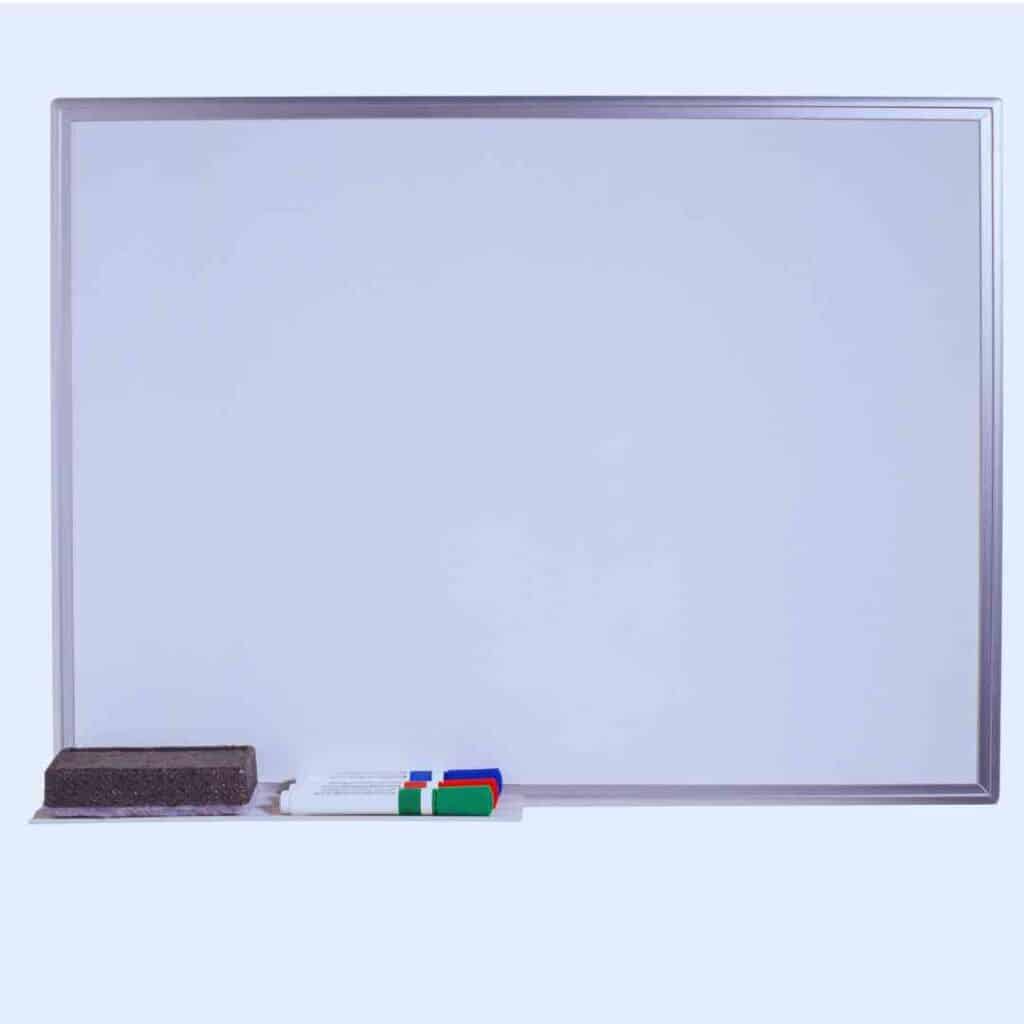
Traditional whiteboards are non-digital writing surfaces typically made of smooth materials that allow for dry-erase markers to be used easily. They serve as a versatile tool for writing, drawing, and brainstorming. The most common types of traditional whiteboards include melamine, painted steel, porcelain, and glass.
Melamine boards are often the most affordable option, featuring a resin-coated surface that is suitable for light use.
Painted steel whiteboards offer a magnetic backing, allowing for the use of magnets to hold papers or notes in place.
Porcelain whiteboards are highly durable and resistant to ghosting, making them suitable for frequent use.
Glass whiteboards, while generally more expensive, provide a sleek and modern look, along with excellent durability and easy cleaning.
One of the key advantages of traditional whiteboards is their simplicity and ease of use. They require no technology or power source, making them straightforward to set up and operate.
Users can write or draw with dry-erase markers, and when it’s time to clean up, a simple wipe with a cloth or eraser does the trick.
This low-maintenance aspect makes them accessible for users of all ages and technical skill levels. Additionally, traditional whiteboards come in various sizes, accommodating different space requirements, from small personal boards to large classroom or conference room models.
Traditional whiteboards are incredibly versatile and find applications in a variety of environments.
In offices, they are commonly used for brainstorming sessions, presentations, and project planning, providing a space for team members to share ideas visually.
In educational settings, traditional whiteboards serve as essential teaching aids, enabling instructors to present information clearly and engage students in discussions. They also work well in homes, where families can use them for organizing schedules, to-do lists, or even creative projects like artwork or family game nights.
Overall, traditional whiteboards remain a popular choice due to their functionality and adaptability across different contexts. Their straightforward design and cost-effectiveness make them suitable for a range of users, from educators and business professionals to families seeking a practical solution for communication and organization.

What Are Interactive Whiteboards?
Interactive whiteboards, also known as digital or SMART boards, are advanced, digital versions of traditional whiteboards that incorporate touchscreen technology, internet connectivity, and multimedia integration.
Unlike regular whiteboards, interactive whiteboards allow users to interact directly with digital content, using a stylus, finger, or pen on a touch-sensitive surface.
These boards can connect to devices like computers, tablets, or the internet, enabling users to access a wide range of content, including videos, images, and documents, right on the board. This functionality is especially useful for real-time editing, interactive presentations, and collaborative activities.
Interactive whiteboards have become particularly popular in modern classrooms, where they can greatly enhance student engagement and learning. Teachers can project digital lessons, annotate directly on the board, and use interactive elements such as quizzes or videos to keep students engaged.
In business settings, interactive whiteboards are valuable tools for collaborative workspaces, allowing teams to brainstorm, visualize ideas, and make changes on the fly. Remote work setups also benefit from interactive boards, as they can facilitate seamless communication with team members who are offsite by enabling real-time annotations and screen sharing.
Some well-known interactive whiteboard brands include SMART Technologies, Promethean, and Google Jamboard. SMART Boards, one of the earliest interactive boards, are widely used in education and known for their user-friendly software and reliability.
Promethean’s ActivPanel offers a variety of interactive features tailored to both education and business environments.
Google Jamboard, a more recent addition, is designed to work seamlessly with Google’s suite of applications, making it a popular choice for tech-integrated workspaces. These brands showcase the different options available, each tailored to specific needs, whether for education, corporate training, or collaborative office settings.
Overall, interactive whiteboards bring a new level of connectivity and engagement to traditional whiteboard usage. With features that allow users to access online resources, collaborate remotely, and interact with digital media, they cater well to the demands of modern, technology-driven spaces.
Key Differences Between Traditional and Interactive Whiteboards
| Feature | Traditional Whiteboards | Interactive Whiteboards |
| Ease of Use | Simple setup; minimal learning curve. Ready to use with dry-erase markers. | Requires setup, software installation, and training. Learning curve can vary based on features and software integration. |
| Engagement & Interactivity | Limited to in-person, non-digital interaction. Ideal for quick notes and brainstorming. | Supports digital note-taking, drawing, video playback, and real-time interaction. Highly engaging for presentations. |
| Connectivity & Remote Collaboration | No internet connectivity or remote collaboration features. Face-to-face use only. | Internet-connected for remote collaboration and virtual meetings. Ideal for hybrid and distributed teams. |
| Cost & Budget | Generally more affordable; budget-friendly for basic use. | Higher initial investment; cost-effective in tech-centric or collaborative environments. |
| Maintenance & Durability | Requires regular cleaning to prevent ghosting. Typically sturdy with minimal maintenance needs. | Needs software updates and technical support. Screens can be fragile and require careful handling. |
| Environmental Impact | Produces marker waste over time; low energy consumption. | Consumes electricity; includes materials that may require specific recycling practices. Potentially larger carbon footprint. |
Ease of Use
Traditional whiteboards are known for their simplicity—they require minimal setup, and users can start writing with a marker immediately.
In contrast, interactive whiteboards come with a learning curve, as they often require setup, software installation, and training to operate effectively.
While interactive boards can offer a range of powerful features, they may need ongoing IT support, making them slightly less accessible for quick or impromptu use.
Engagement and Interactivity
Interactive whiteboards bring digital engagement to a new level, allowing users to take notes, draw, play videos, and interact with content in real time.
This interactivity is ideal for presentations and learning environments where engaging visuals and media can enhance comprehension.
Traditional whiteboards, while effective for brainstorming and face-to-face meetings, are limited to non-digital interaction.
They’re useful for visualizing ideas quickly but lack the enhanced interactivity and multimedia capabilities of digital boards.
Connectivity and Remote Collaboration
One of the standout features of interactive whiteboards is their internet connectivity, which enables remote collaboration and integration with other digital tools.
Users can connect with offsite participants, sharing the screen and annotating documents in real time.
Traditional whiteboards, however, do not offer remote capabilities and are limited to in-person use, making them less ideal for distributed teams or virtual meetings.
Cost and Budget Considerations
In terms of cost, traditional whiteboards are generally more affordable, making them a practical choice for budget-conscious buyers.
Interactive whiteboards, however, are a larger upfront investment but offer long-term value for environments that benefit from their advanced capabilities, like corporate offices or tech-driven classrooms.
For occasional or low-tech use, traditional boards offer budget-friendly utility, whereas interactive boards are ideal for settings where interactivity and digital integration are a priority.
Maintenance and Durability
Traditional whiteboards require regular cleaning to prevent ghosting and staining but generally have fewer technical upkeep needs.
Interactive whiteboards, on the other hand, may require software updates and periodic technical support.
While traditional boards are often more durable due to their simpler design, interactive whiteboards may be more fragile due to their screens, which can be sensitive to damage if not handled carefully.
Environmental Impact
Interactive whiteboards consume electricity and often include materials that require proper recycling when they reach the end of their life cycle, which can affect their environmental footprint.
In contrast, traditional whiteboards produce marker waste over time, especially when disposable markers are used frequently.
Both options have environmental considerations, but interactive whiteboards may have a larger carbon footprint due to their power requirements and electronic components.
Pros and Cons of Traditional and Interactive Whiteboard
| Type | Pros | Cons |
| Traditional Whiteboards | – Simple and easy to use. – Affordable and budget-friendly. – No need for power or software. – Versatile for various settings (offices, schools, homes). | – Limited to non-digital interaction. – Requires regular cleaning to avoid ghosting. – No remote collaboration features. |
| Interactive Whiteboards | – Highly engaging with interactive features. – Supports multimedia integration and digital content. – Enables remote collaboration and virtual meetings. – Ideal for modern learning and corporate environments. | – Higher initial cost. – Requires setup, software installation, and training. – Screens can be fragile and need careful handling. |
Should you choose a Traditional or Interactive Whiteboard?
Traditional whiteboards are better for budget-friendly, straightforward applications like note-taking and brainstorming, making them ideal for classrooms and smaller settings. In contrast, interactive whiteboards are better for dynamic, multimedia-rich environments that enhance engagement and collaboration. Ultimately, it depends on your specific needs, preferences, and the context in which you’ll be using the board.
When deciding between traditional and interactive whiteboards, it’s essential to consider your specific use case and needs. Here’s a breakdown based on different environments:
For Schools and Classrooms
In educational settings, interactive whiteboards offer significant benefits for creating dynamic and engaging lessons.
Their multimedia capabilities allow teachers to incorporate videos, interactive quizzes, and real-time collaboration, making learning more immersive for students.
This interactivity can foster greater participation and cater to diverse learning styles. However, traditional whiteboards remain a budget-friendly option for schools with limited funding.
They provide a simple, effective platform for note-taking and brainstorming, making them suitable for classrooms where technology integration is not a priority.
Ultimately, the choice here depends on the school’s resources and teaching objectives.
For Offices and Businesses
In a professional environment, the choice between board types hinges on the workplace setup. Collaborative meeting spaces benefit from interactive whiteboards, which facilitate brainstorming sessions and remote collaboration through screen sharing and digital note-taking.
These features can enhance teamwork and communication, especially in hybrid work scenarios.
On the other hand, traditional whiteboards are ideal for presentation rooms where straightforward note-taking and idea sketching are the focus. They are also more cost-effective, making them a practical choice for businesses that need basic functionality without the added expense of interactive technology.
For Home Offices or Personal Use
For home offices or personal projects, the decision should reflect both budget constraints and the need for digital interactivity.
Interactive whiteboards can be advantageous for those who often collaborate with others remotely or want to engage in creative projects that require multimedia elements.
However, for individual use or small team settings, traditional whiteboards offer an affordable solution that suffices for planning, reminders, and brainstorming without the need for tech support or software updates.
They are particularly suitable for those prioritizing simplicity and straightforward functionality.